Automated tax calculation ensures that monthly tax deductions are accurate and consistently applied. Follow the steps below to enable or update this setting for individual employees:
1. Go to My Employees, select the employee, and navigate to the Payroll tab.
2. Under Salary Contribution, click Edit.
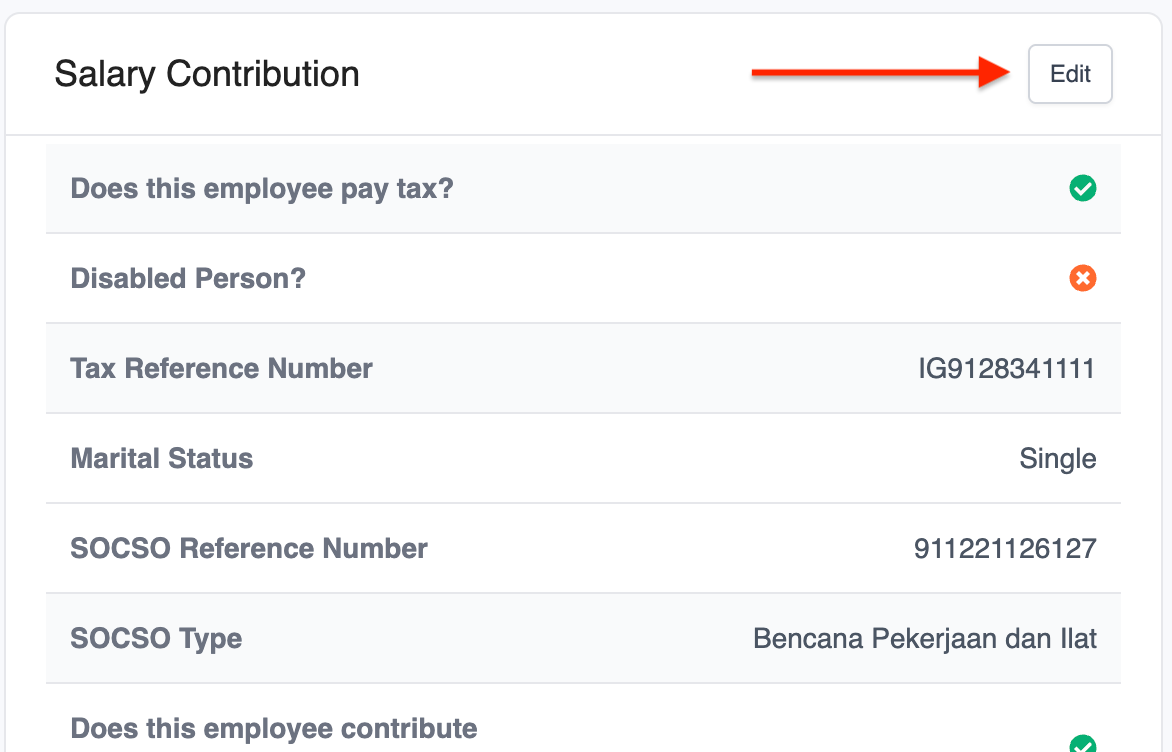
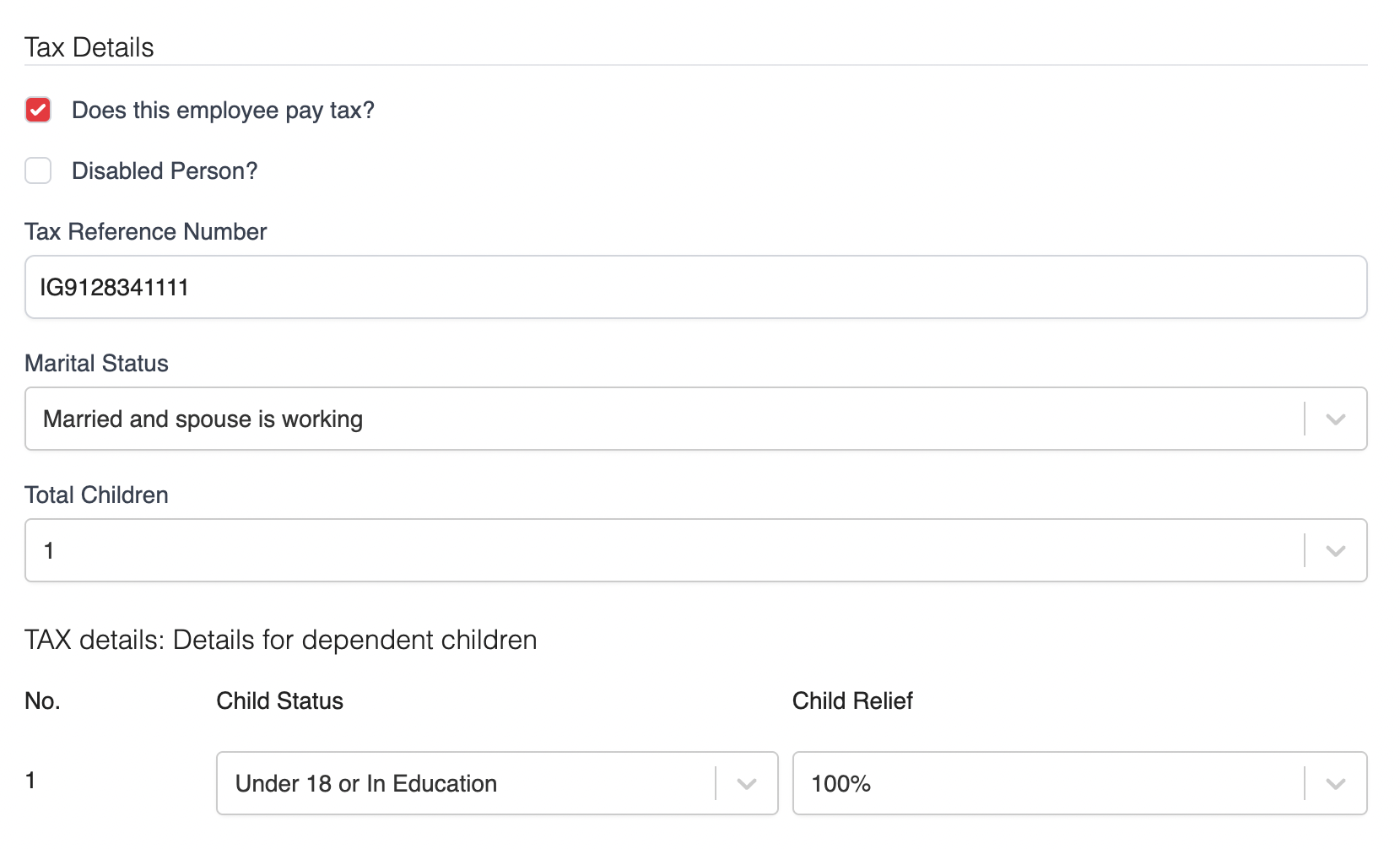
3. Enable Does this employee pay tax and fill in the required tax information, including tax reference number, marital status, and number of eligible children.
4. Click Save to apply your changes.
Tip: We recommend enabling this option by default (even for employees whose salaries are currently below the taxable threshold) to ensure proper deductions if their income becomes taxable later in the year.
Was this article helpful?
That’s Great!
Thank you for your feedback
Sorry! We couldn't be helpful
Thank you for your feedback
Feedback sent
We appreciate your effort and will try to fix the article