Follow the steps below to set up a prorated allowance in the system.
Note: This feature is currently available in Singapore and Malaysia only.
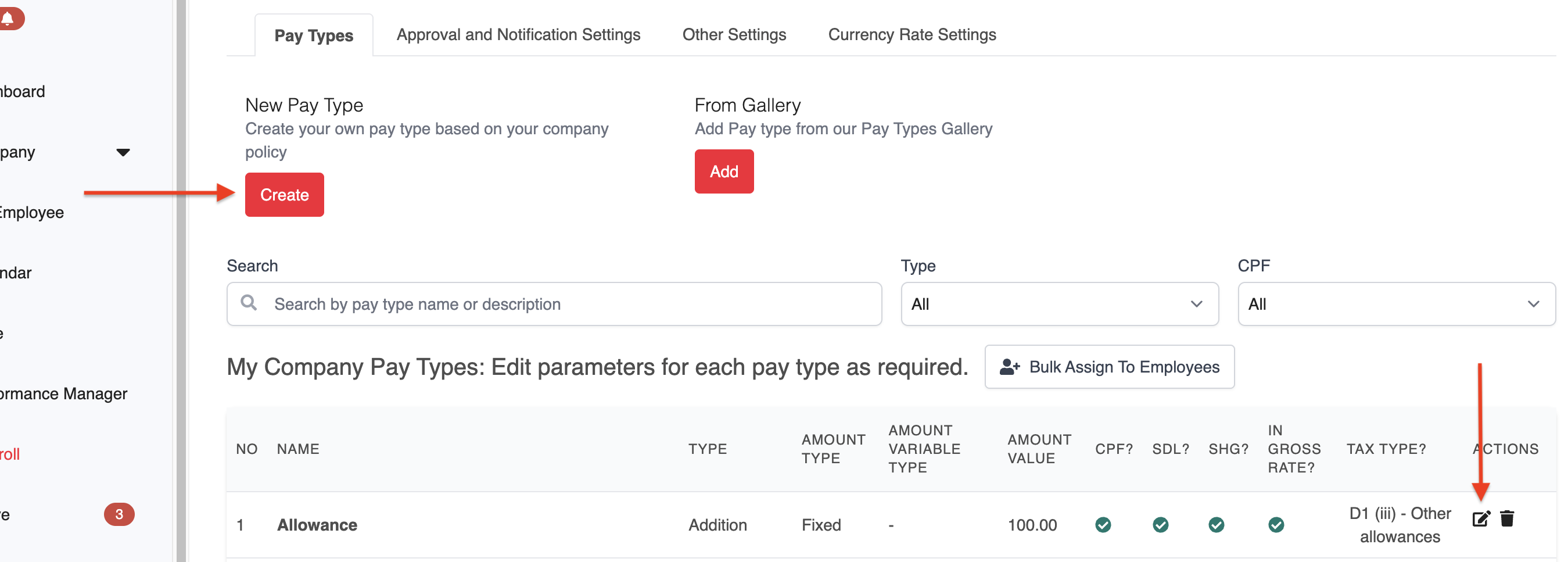
1. Navigate to Payroll > Settings > Pay Types.
2. Click Create to set up a new pay item, or click Edit next to an existing pay item to update it.
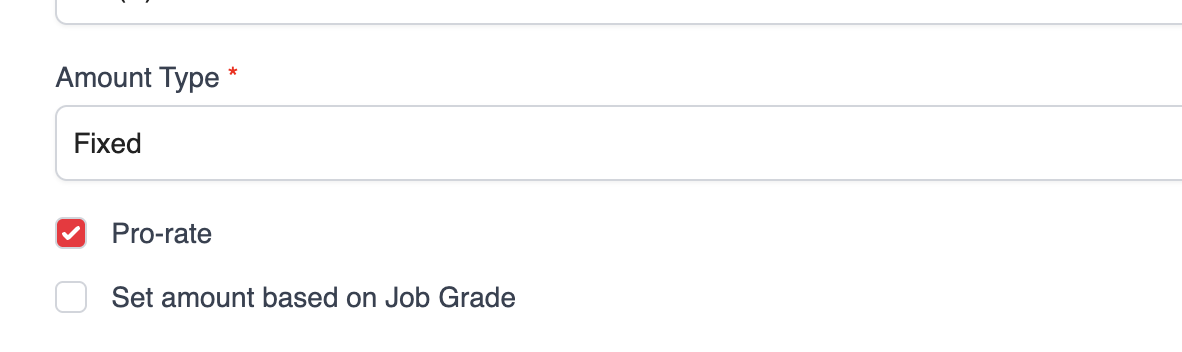
3. Set the Amount Type to Fixed, then tick the Pro-rate option to enable automatic proration.
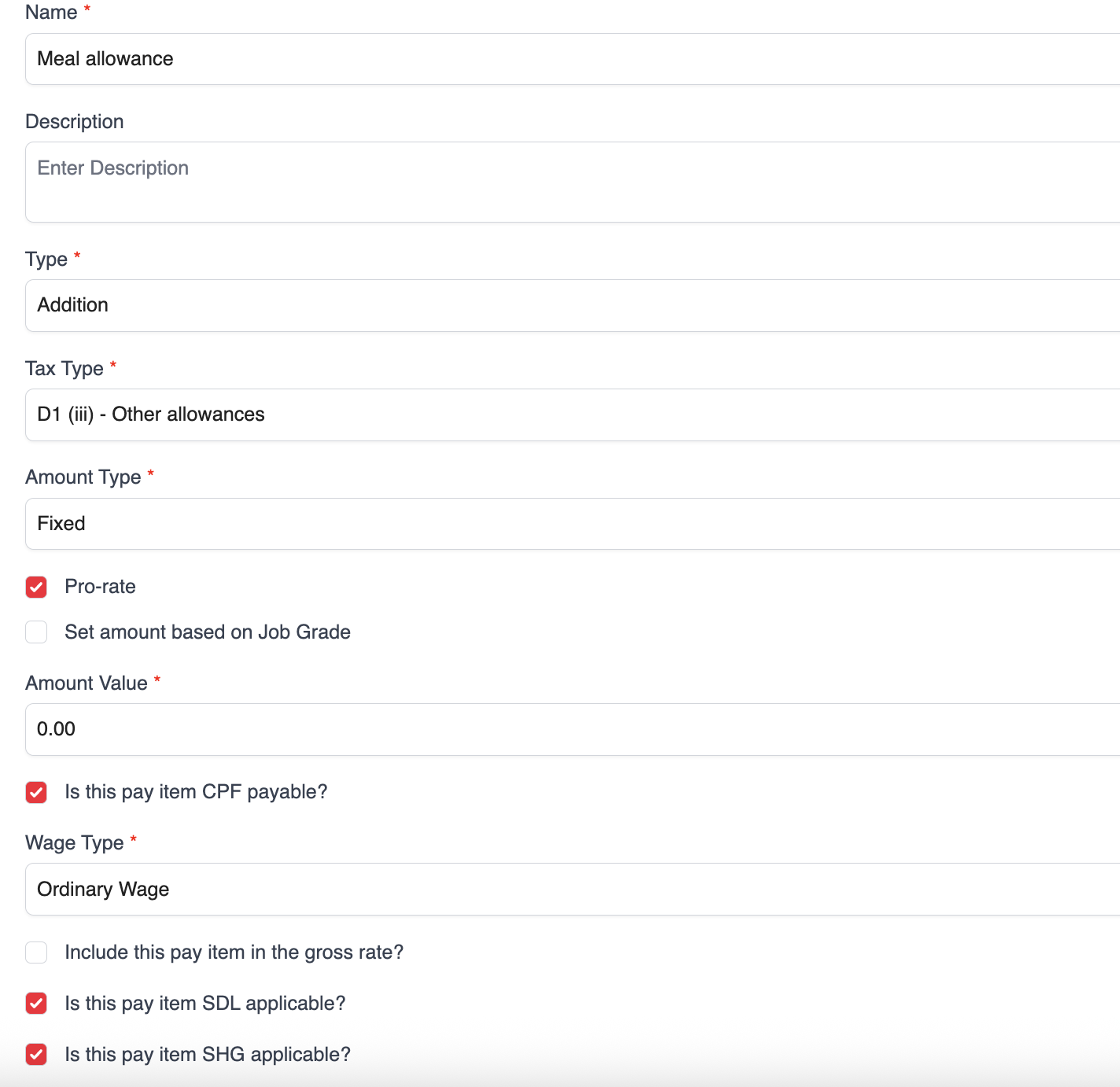
4. Complete all required fields and click Save to apply the changes.
Was this article helpful?
That’s Great!
Thank you for your feedback
Sorry! We couldn't be helpful
Thank you for your feedback
Feedback sent
We appreciate your effort and will try to fix the article