Follow the steps below to configure it:
1. Go to Leave > Leave Setting > Other Setting.
2. Under Leave Period Automation Settings, toggle Enable Automated Balance Carry-Forward to enable it.
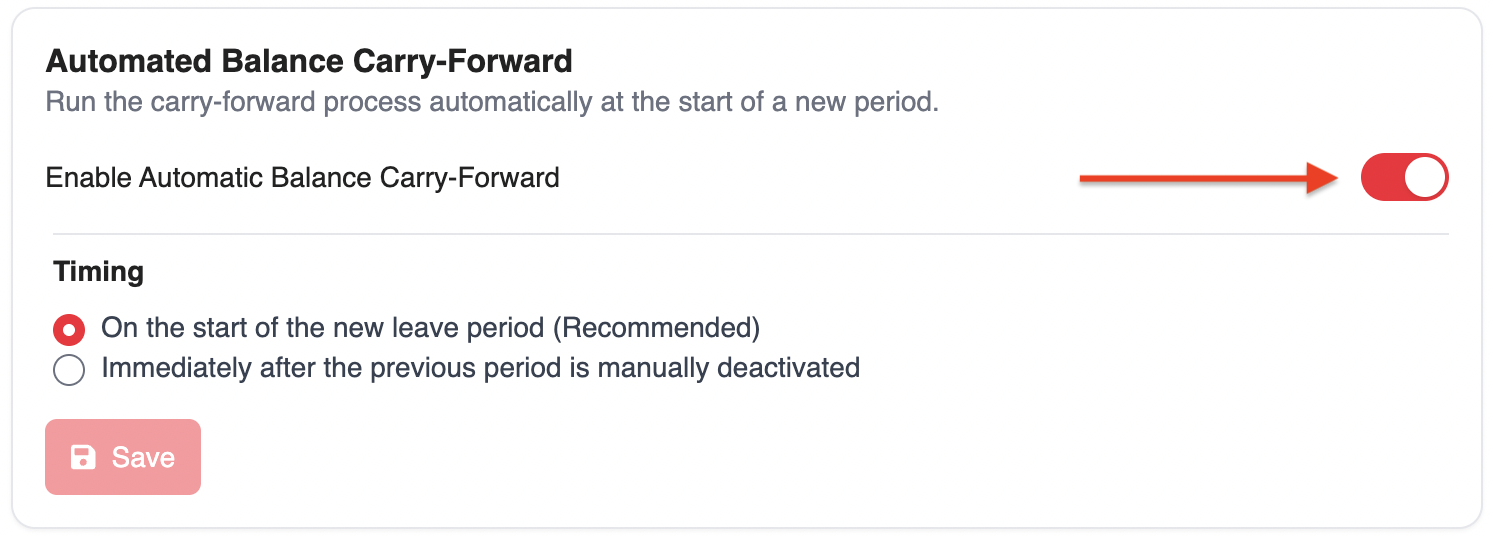
3. Before the system can transfer balances to the next leave period, you need to set up the period details. You can choose when the carry-forward should occur:
On the start of the new leave period (Recommended)
The remaining leave balance will automatically carry forward when the new leave period begins.
Immediately after the previous period is manually deactivated
The remaining leave balance will carry forward once the current leave period is marked as Inactive.
Was this article helpful?
That’s Great!
Thank you for your feedback
Sorry! We couldn't be helpful
Thank you for your feedback
Feedback sent
We appreciate your effort and will try to fix the article