To enhance the security of your company account, administrators can enforce the use of One-Time Password (OTP) verification for all users. When this setting is enabled, every user will be required to enter an OTP during login as an additional authentication step. This helps protect sensitive company and employee data by ensuring that only verified users can access the system.
Follow the steps below to enable enforced OTP for all users:
1. Go to Company > Company Settings.
2. Scroll to the Other Settings section and click Edit.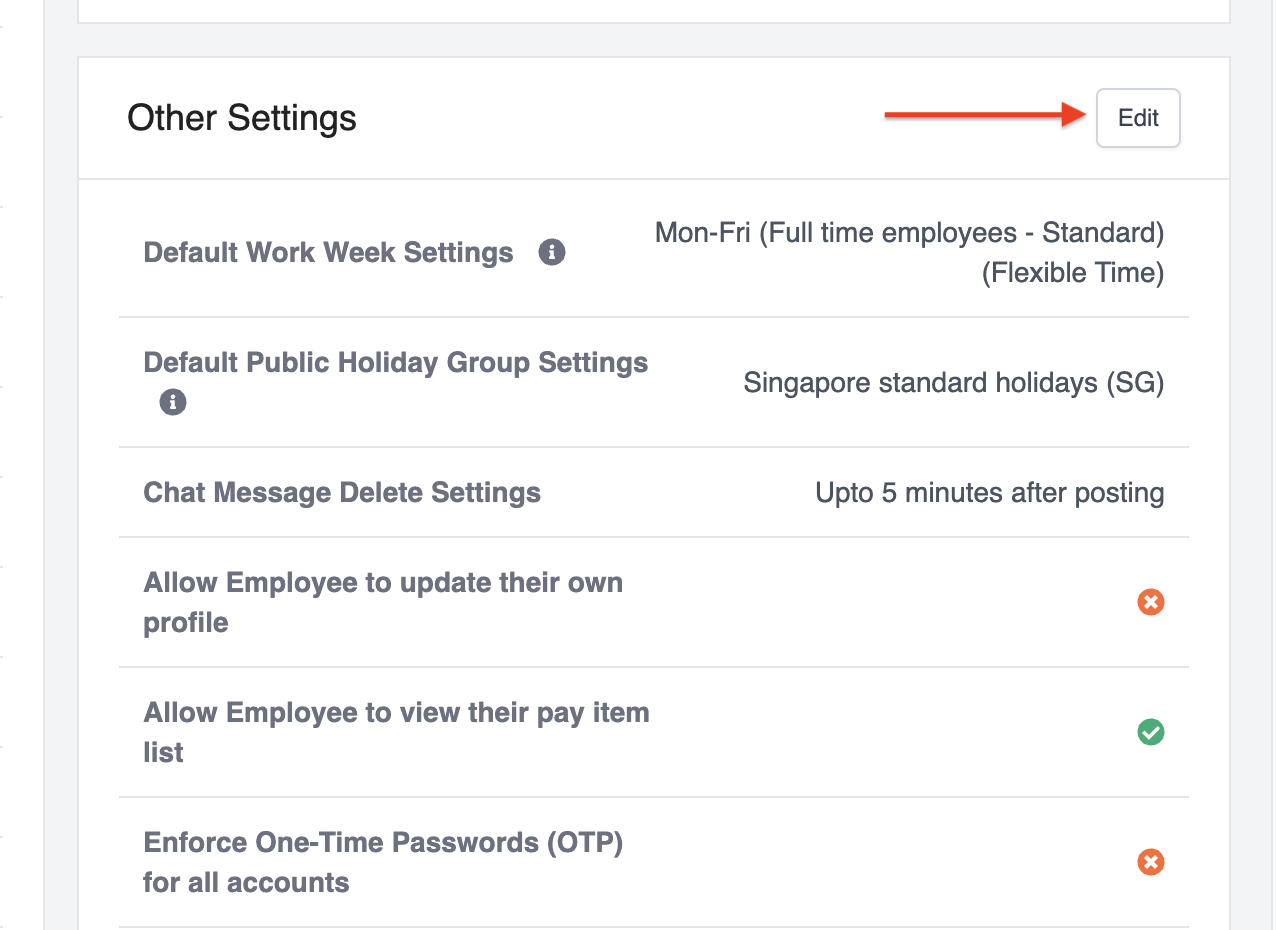
3. Tick the Enforce One-Time Passwords (OTP) for all accounts option.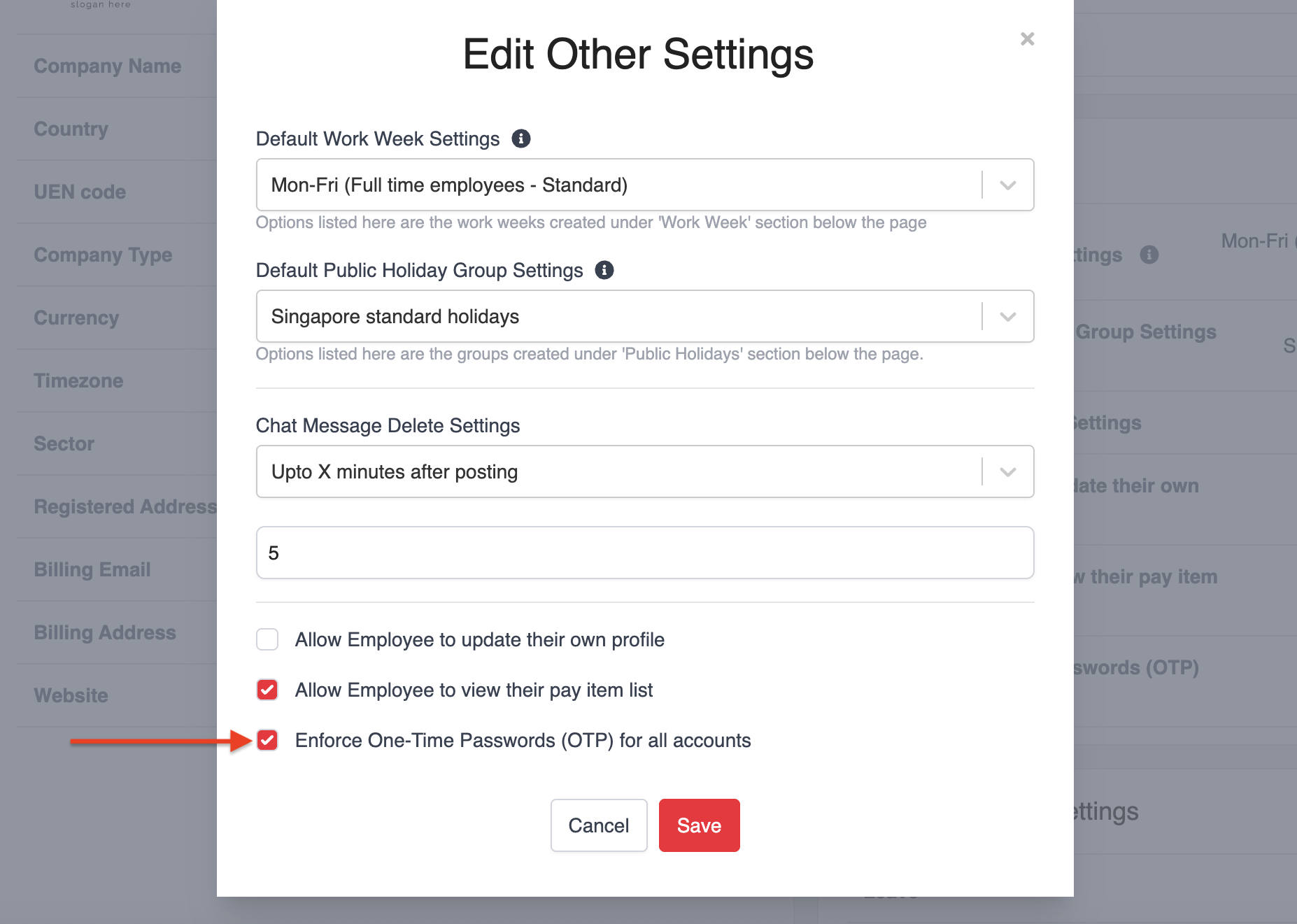
4. Click Save to apply the changes.
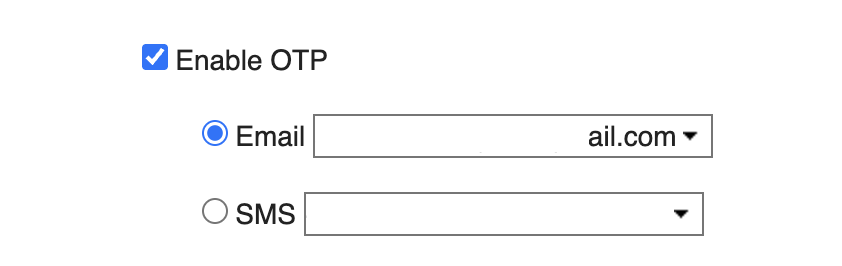
Once enabled, all users will be required to authenticate using OTP when logging in, and the option to disable OTP in individual user settings will no longer be available.
Was this article helpful?
That’s Great!
Thank you for your feedback
Sorry! We couldn't be helpful
Thank you for your feedback
Feedback sent
We appreciate your effort and will try to fix the article