1. Navigate to Company > Company Settings.
2. Under Company Profile, click Edit.

3. Update the email address in the Billing Email field.
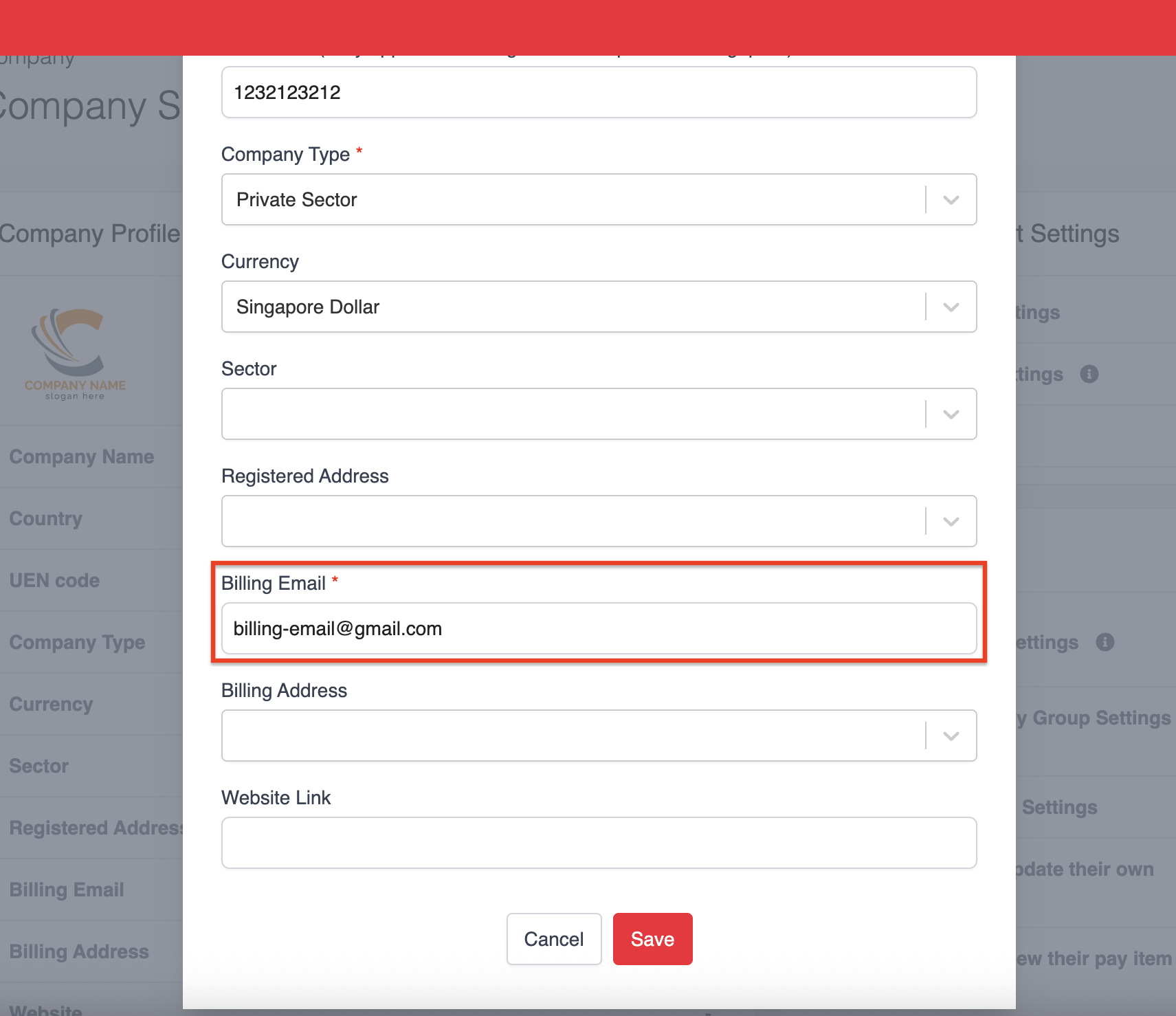
4. Click Save to apply your changes.
Was this article helpful?
That’s Great!
Thank you for your feedback
Sorry! We couldn't be helpful
Thank you for your feedback
Feedback sent
We appreciate your effort and will try to fix the article