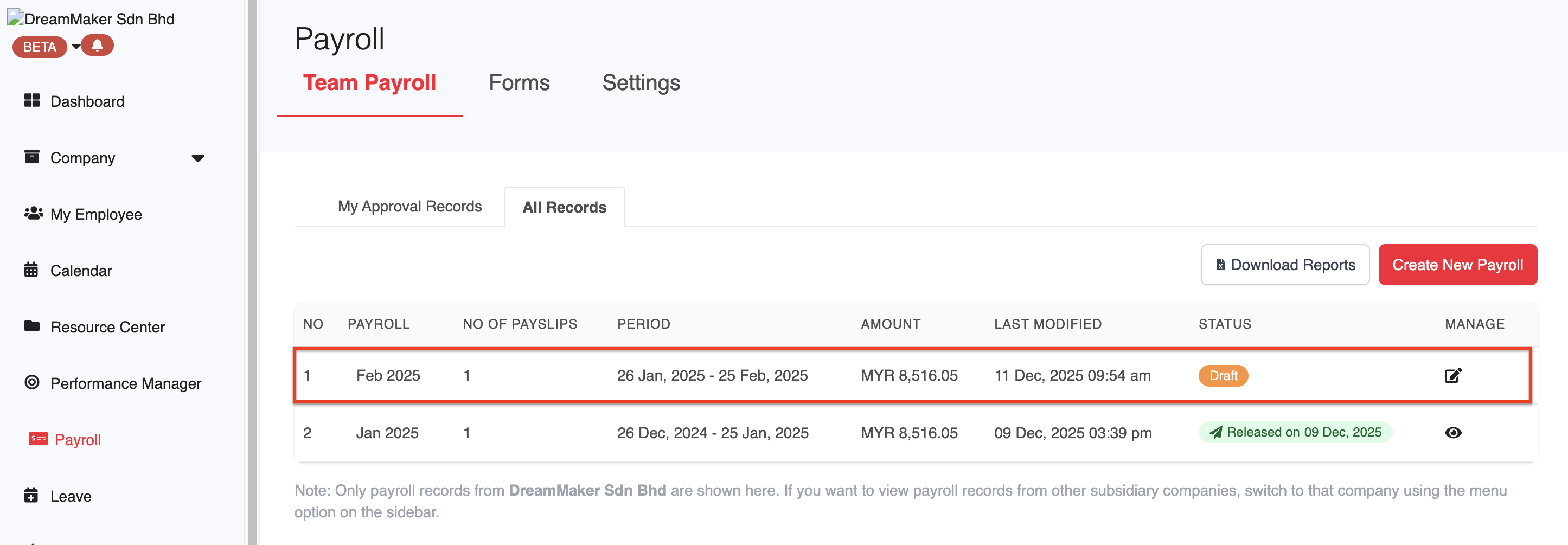
1. Go to Payroll > Team Payroll > select any draft payroll.
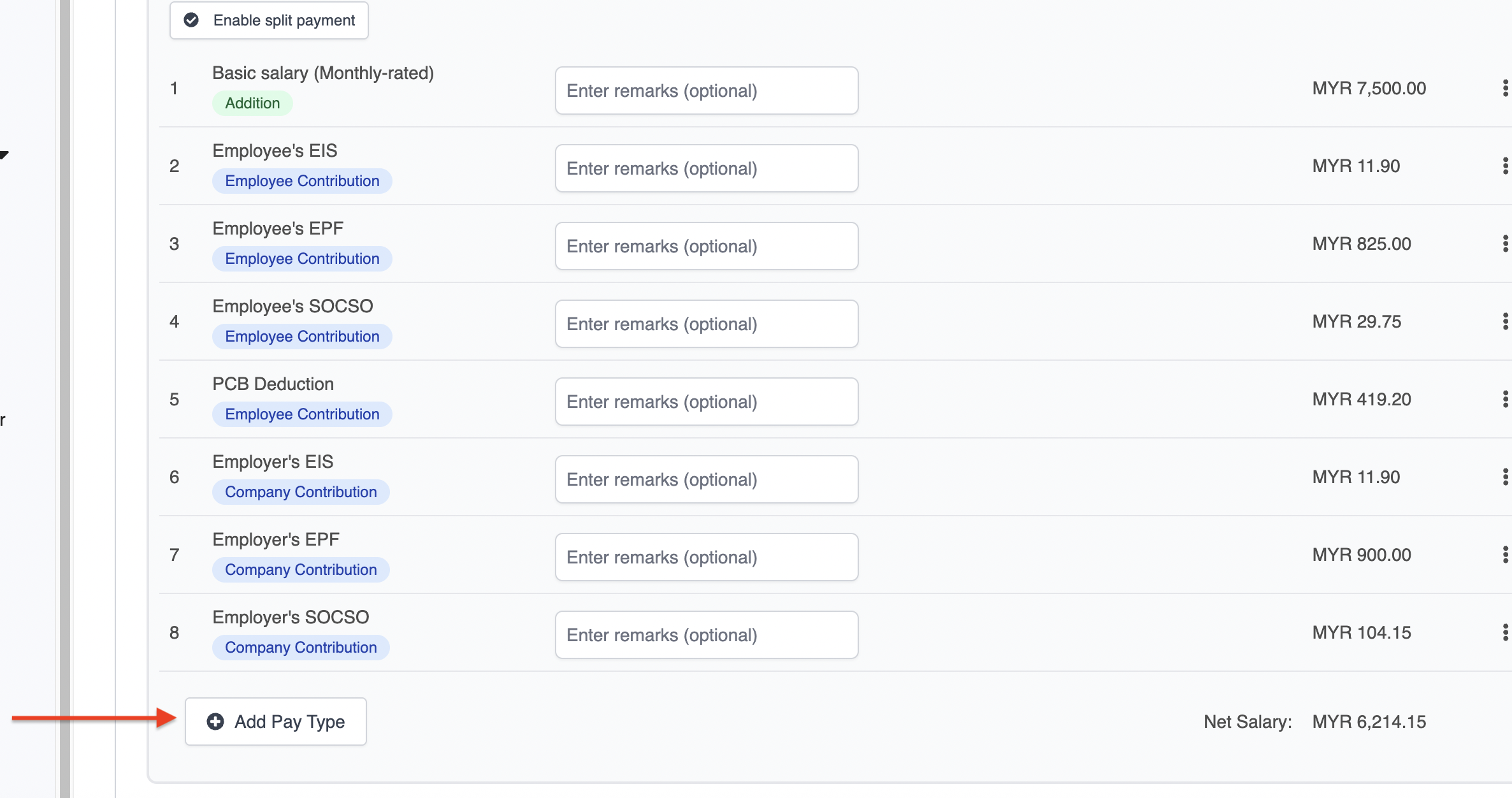
2. In the payroll, find the employee you'd like to assign the CP38 to, and click Add Pay Type.
3. Select CP38 from the dropdown and click Add Pay Type. 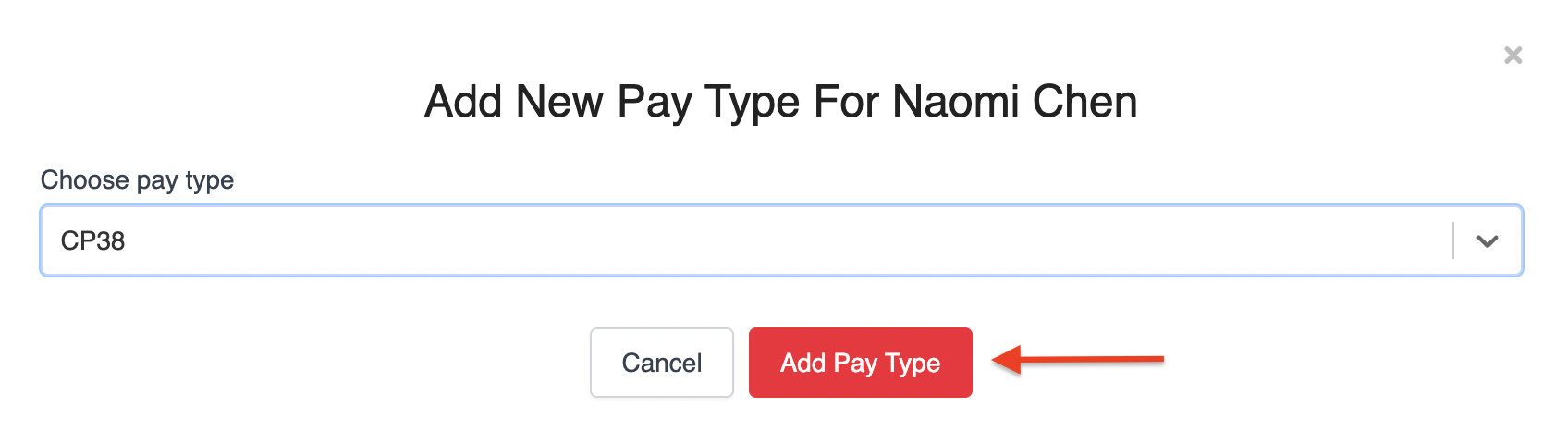
4. Proceed to enter the CP38 amount. 
Was this article helpful?
That’s Great!
Thank you for your feedback
Sorry! We couldn't be helpful
Thank you for your feedback
Feedback sent
We appreciate your effort and will try to fix the article