To download invoices for your account, click your profile dropdown in the top-right corner of the page, then select Manage Subscription.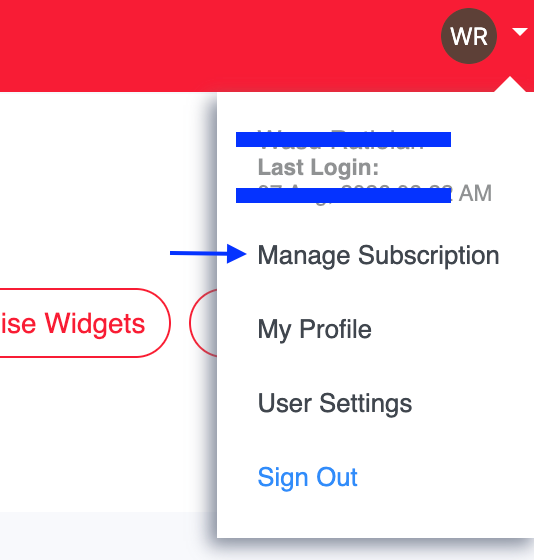
Navigate to the Invoices tab.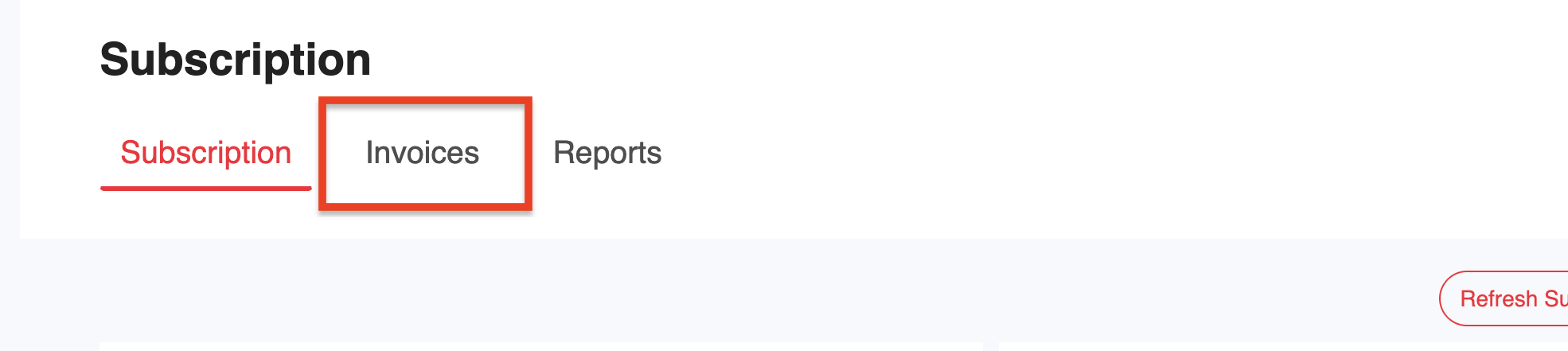
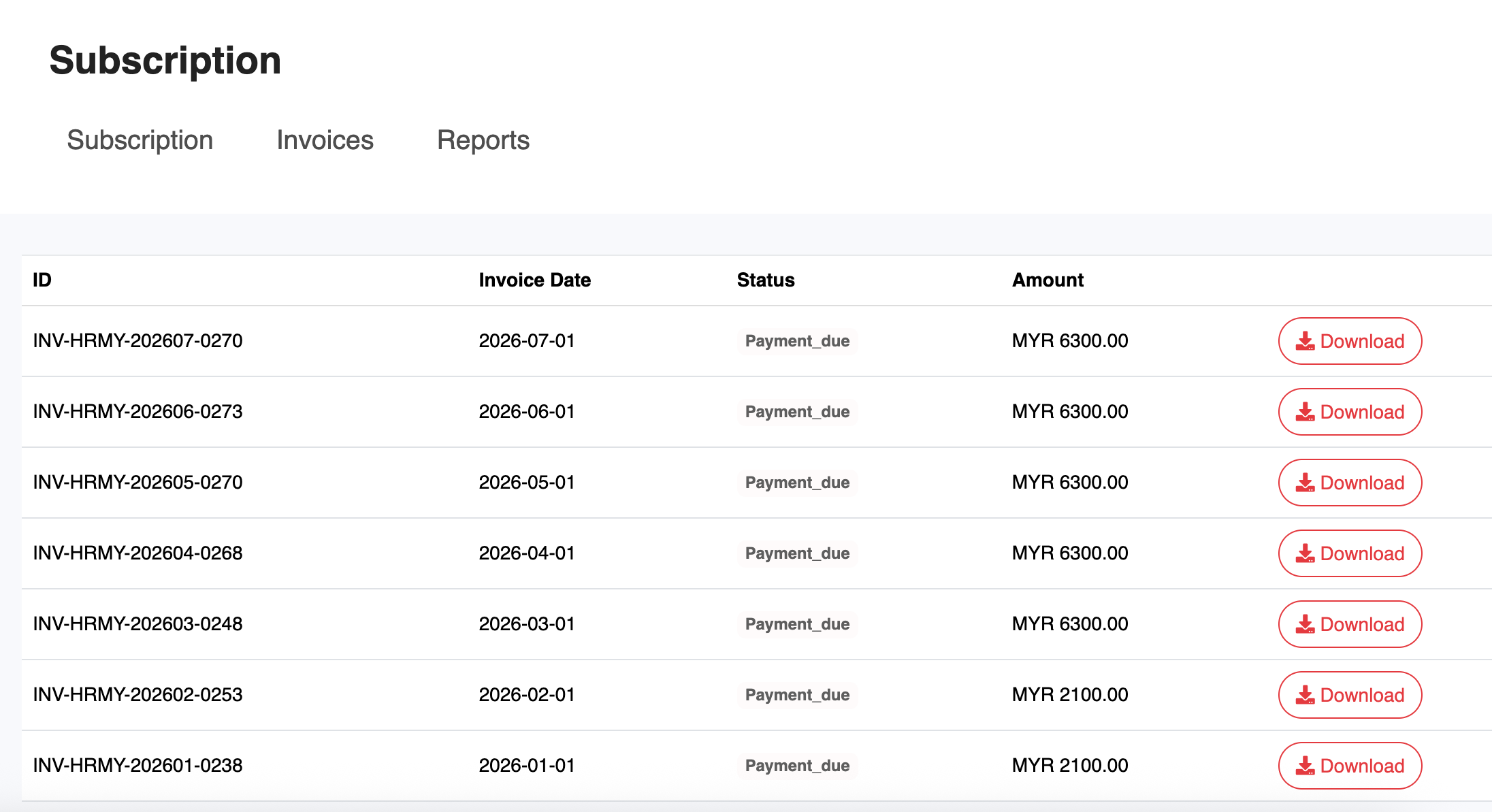
Locate the invoice you wish to download, then click Download next to it.
Was this article helpful?
That’s Great!
Thank you for your feedback
Sorry! We couldn't be helpful
Thank you for your feedback
Feedback sent
We appreciate your effort and will try to fix the article