1. Go to Timesheet > My Timesheet > Overtime Request.
2. Click Create Overtime Request to begin your submission.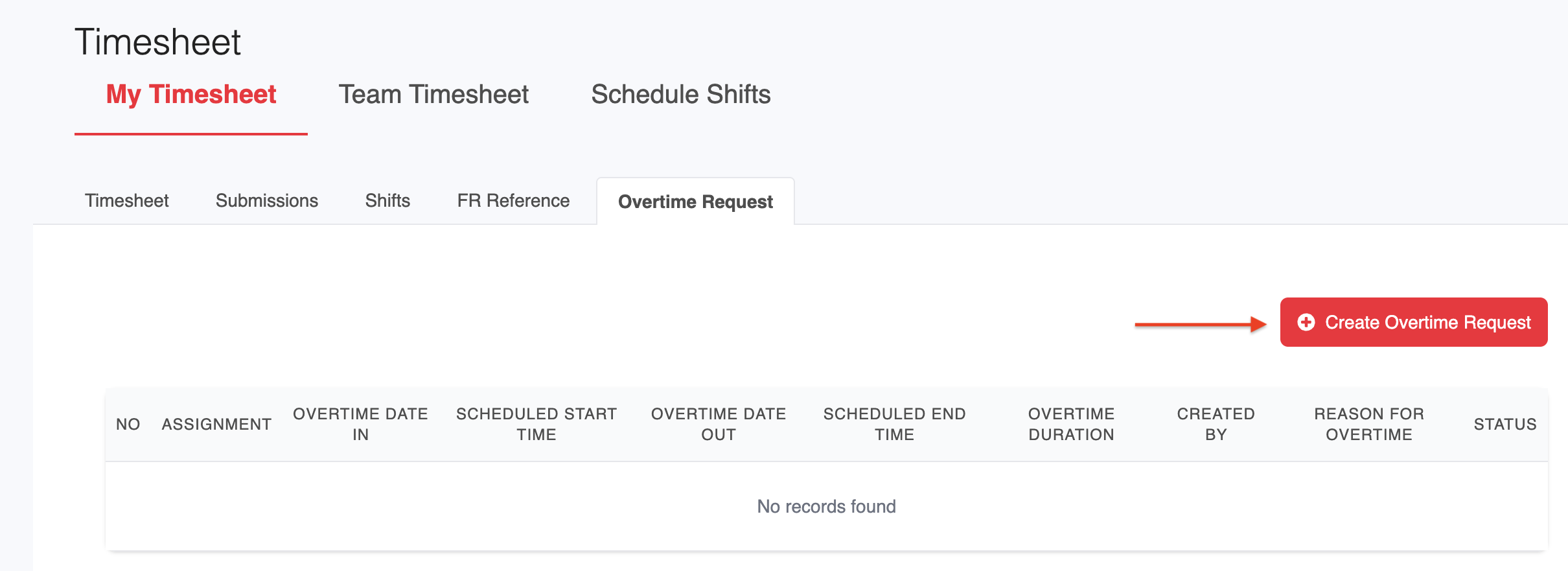
3. Fill in the required details:
Select the relevant Assignment.
Choose the Overtime Pay Type (if applicable).
Select the Date of the overtime.
Enter the total number of overtime hours you are requesting.
Provide a Reason for Overtime.
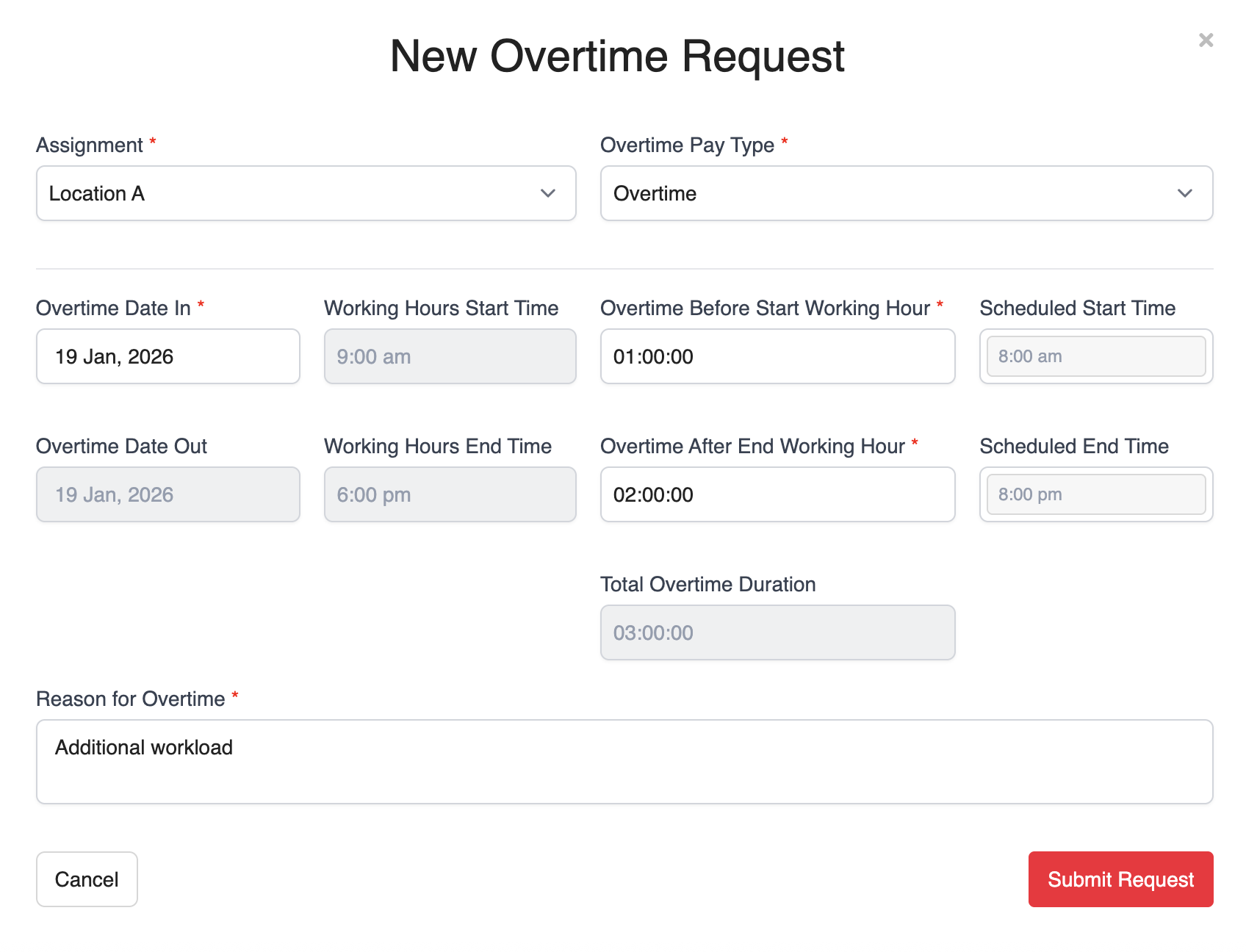
4. Once all details are completed, click Submit Request for approval.
Was this article helpful?
That’s Great!
Thank you for your feedback
Sorry! We couldn't be helpful
Thank you for your feedback
Feedback sent
We appreciate your effort and will try to fix the article